Accept payments anywhere - no website or checkout integration needed.
Why choose Payment Links & QR Codes?


Payment link types.


Made in Europe, for European businesses.
Available in all European markets





























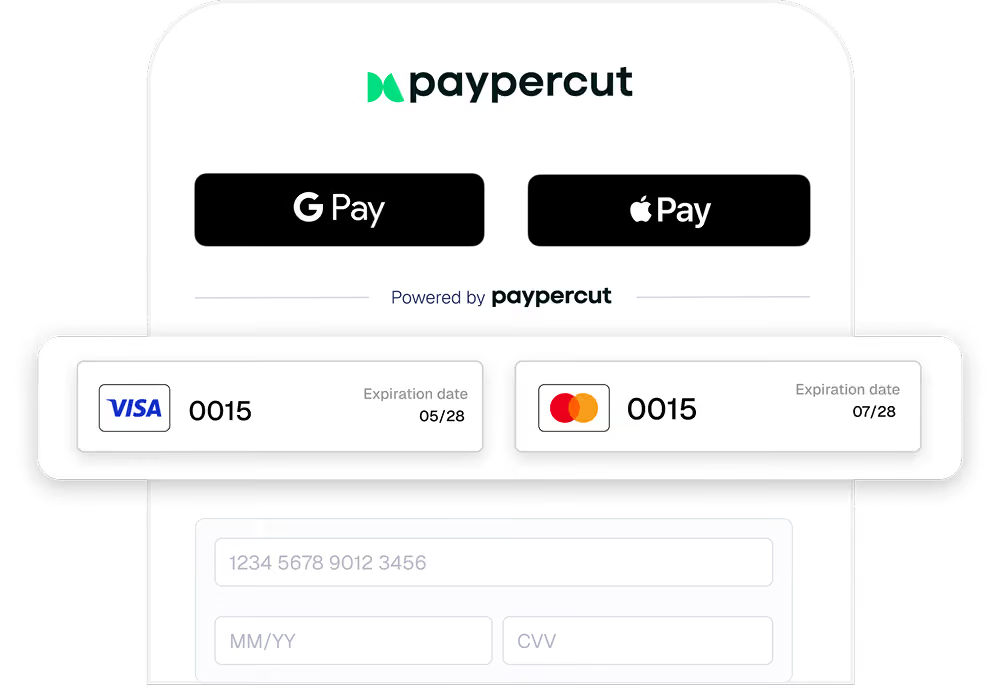
Paypercut accepts Visa, Mastercard, Apple Pay, Google Pay and BLIK (for Poland).




Product add-ons included by default.
Accept payments via hosted or embedded checkout, e-commerce plugins, or express checkout with Apple Pay and Google Pay.
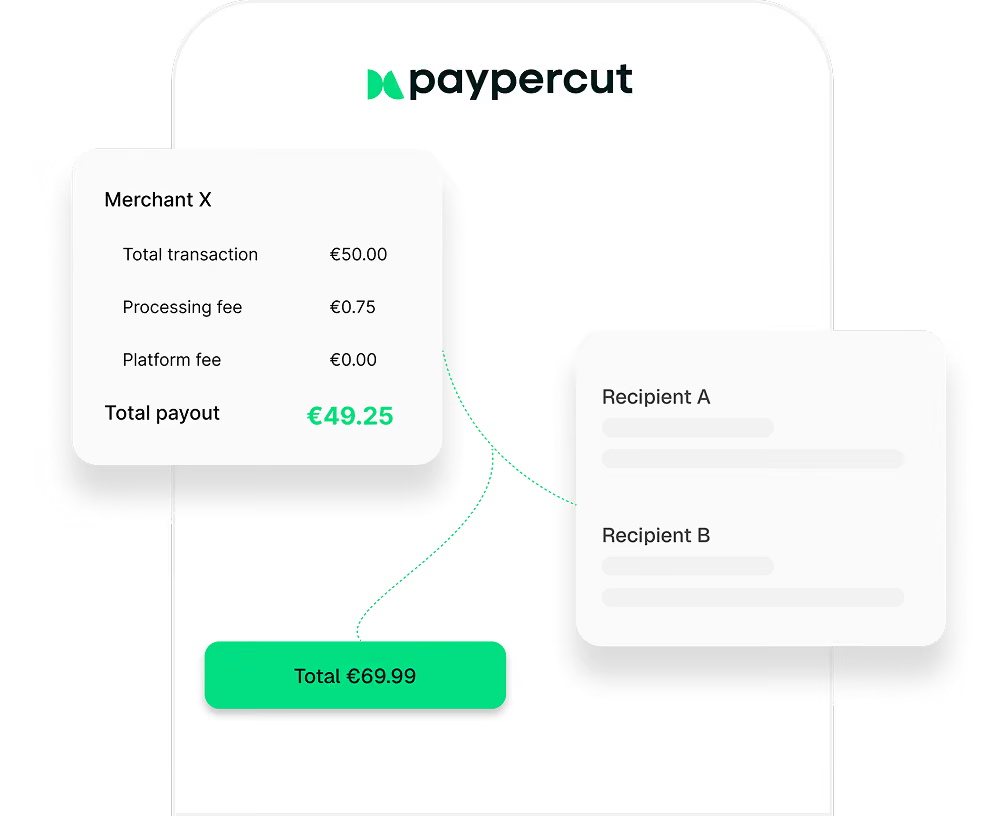
Handle recurring payments, subscriptions, split payments, and pre-authorisations. Control how payments are charged, split, and paid out.
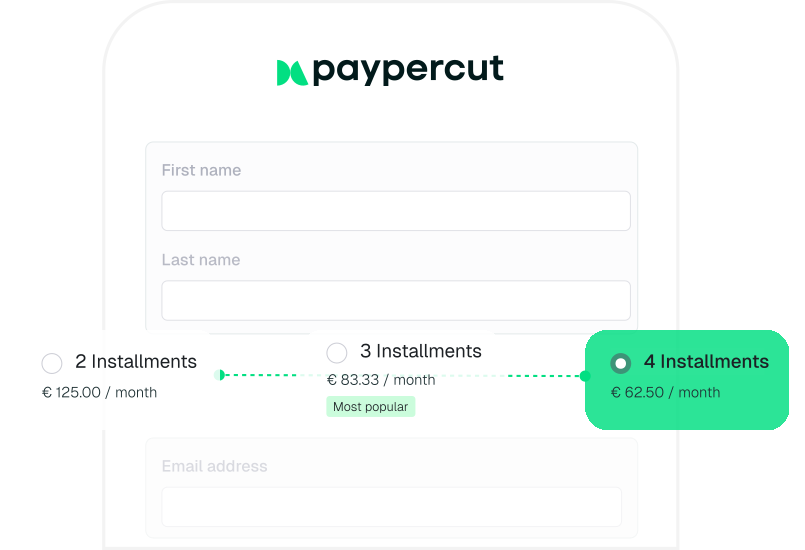
Offer Buy Now, Pay Later options from multiple providers through one integration, while getting paid upfront.
Still comparing options?
Payment Links & QR Codes - FAQ
Do I need a website to accept payments with Paypercut?

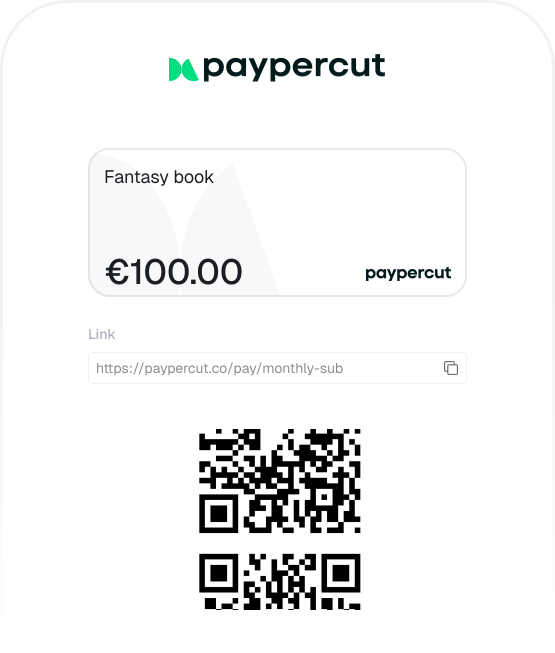
No. Paypercut payment links and QR codes work without a website. Send a link by email, chat or on an invoice, or show a QR code, and the customer pays by card, Apple Pay or Google Pay. Payouts go to your existing bank account.
Can I send a payment link instead of an invoice for bank transfer?
Yes. Instead of sending an invoice and waiting for a bank transfer, send a Paypercut payment link or QR code by email, chat or on the invoice itself. The customer pays by card, Apple Pay or Google Pay, and the payment appears in your dashboard.
How much do payment links cost?
Payment links and QR codes cost the same as online checkout, with no setup or monthly fee. Transaction fees depend on your market and card type. You can find the rates for your market on our Pricing page.
Can customers pay a payment link with Apple Pay or Google Pay?
Yes. A customer who opens a Paypercut payment link or scans a QR code can pay by card, Apple Pay or Google Pay, with no extra setup by the merchant.
Can I take online checkout, payment links and QR codes from one account?
Yes. One Paypercut account covers online checkout, payment links and QR codes, with the same pricing, dashboard and payouts.
How are payment links and QR codes created?
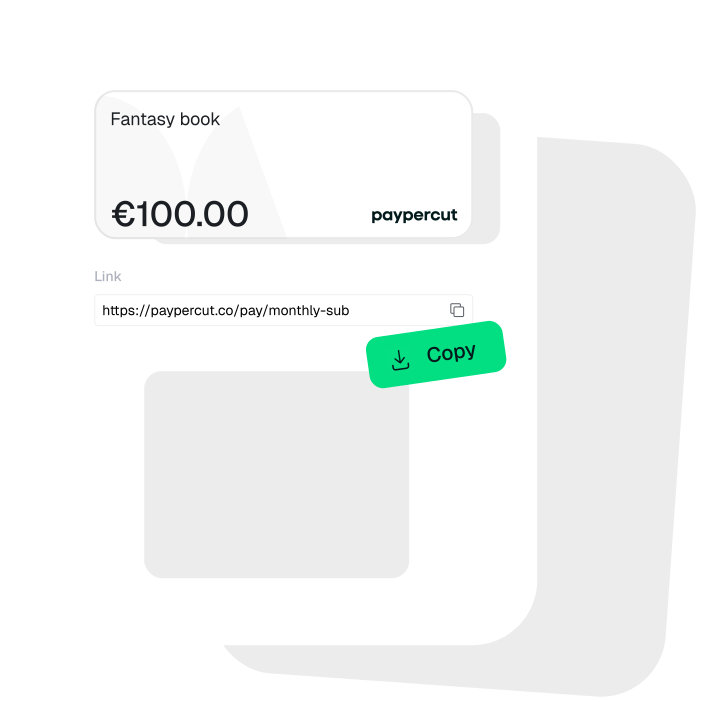
In the Paypercut dashboard, or through the Paypercut API, for example from your booking system, CRM or order tool.
Can I send payment links to customers in other countries?
Yes. Paypercut payment links open on any device, and customers abroad can pay with Visa, Mastercard, Apple Pay or Google Pay. The payment is charged in the currency you receive payouts in.
Do Paypercut payment links expire?
It depends on how you set up the link. Single-use links expire 30 days after they are created, unless you set your own expiry date. Reusable links stay active until you disable them or set an expiry date.
Can I track payments made via links or QR codes?
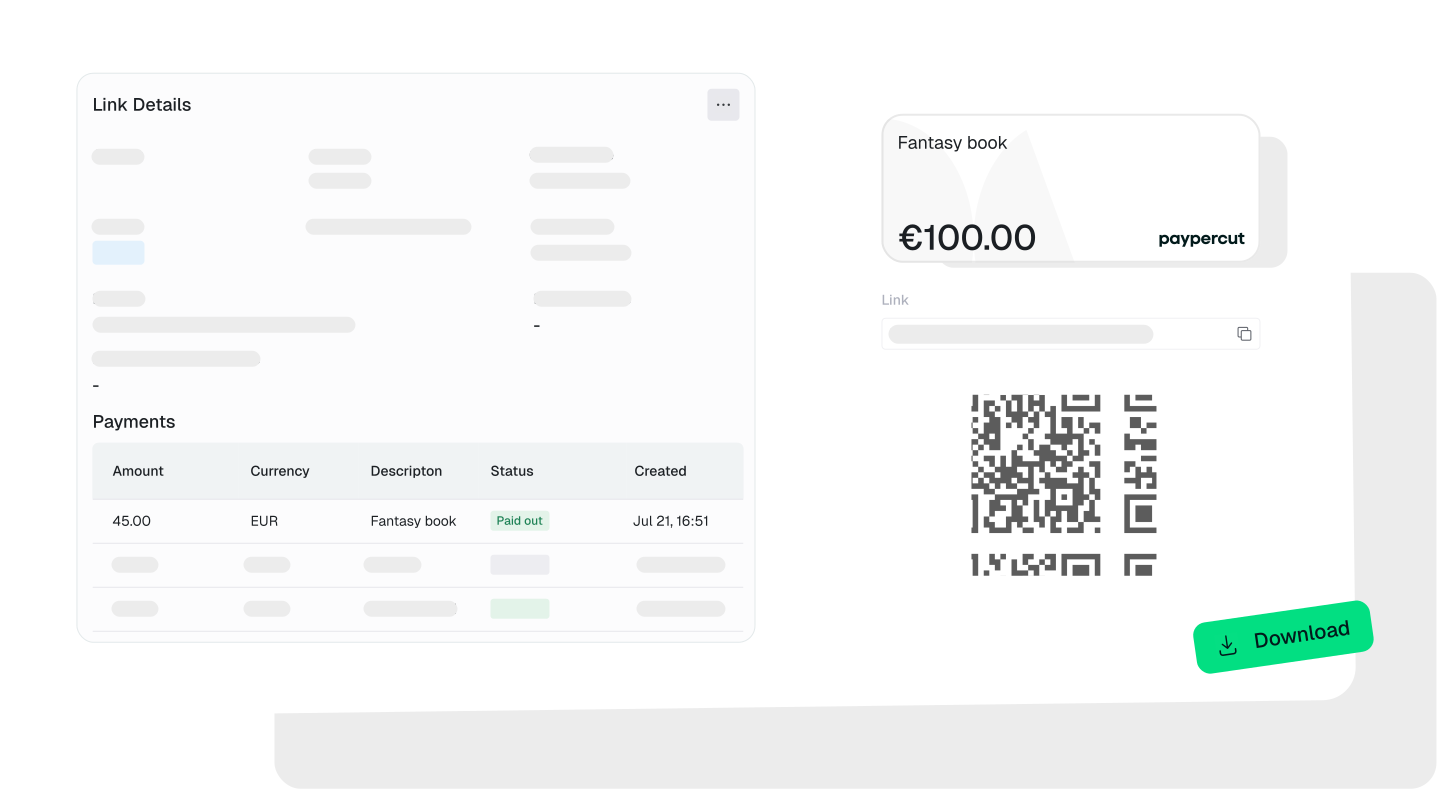
Yes. All payments made through Paypercut payment links or QR codes appear in your dashboard with their status, amount and settlement details.